Connect your social media accounts
Learn how to connect your Facebook/Instagram accounts to Meet Alto AI.
Written By Khoa Bui
Last updated 9 months ago
Click on the settings icon on the left sidebar

Click ‘Connect Facebook Business Manager’ to connect your business account. Select the pages that you want to connect.

If you are connecting FB/IG pages, be sure to select:
The Meta Business Manager that owns the pages you're connecting
The FB page(s)
The IG page(s)
Note that in order to connect an IG page, an FB page must be connected to it.
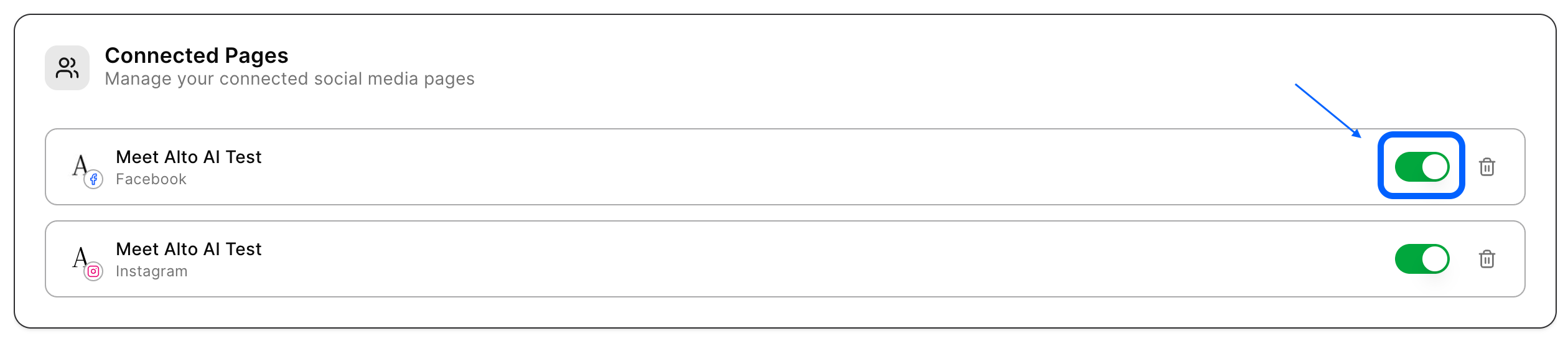
After your page is connected, it will appear in the connected pages section. You can activate/deactivate pages by switching the toggle on/off.